Compare phone contracts
Select your phone from our most popular handsets or compare all contract phone deals.
Mobile providers we compare
We compare thousands of deals from the top mobile providers.









Cable.co.uk price checks the latest deals in the market to save you time and money.

We work hard to secure exclusive deals you won't find anywhere else.

We're independent which means we're able focus on the right deal for you.

Safe and easy to use with no complicated registration forms to fill in.






How to get the best mobile phone deal
Choosing the right mobile deal can be a complex business, especially so if you're trying to get hold of a new handset and a SIM at the same time. Even if you're buying your very first mobile contract, we have all the information you need. Read this page carefully and you will know everything you need to know to make the perfect choice.
Chances are, though, that you're down here in the info to check on a few specific things you're unsure about. We're pretty sure you'll find all the information you need here too.
Types of mobile deal and how they work
There are five different types of mobile deal, some of which have variations on the same theme. A mobile contract with a handset, for example, may vary how much you pay upfront, which will alter the monthly cost. Let's take a quick overview at the various types of deal available. Hopefully we can narrow things down a bit so you have a better idea of where to start.
- Contract phone deals – This is where you get both a SIM and an actual handset. Most contract phone deals spread the cost of the handset across the life of the contract, so each month there will be a portion of what you pay going towards the handset and a portion to cover your minutes, data and texts. Handsets can be very expensive, especially the latest and greatest, which is why contract phone deals tend to be the most expensive of all types. You will be tied into the contract for its entire length, and all contract phone deals require credit checks
- SIM-only contract deals – This is where you get just the SIM card, but will still be tied into a contract for at least 12 months. SIM-only contracts may tie you in, but they are also pretty much the best value you can get in terms of data allowance versus monthly cost (all deals these days have unlimited texts and calls). For your commitment, mobile providers reward you in return with low monthly rates. They are ideal if you already have a phone you're happy with and just want the lowest monthly rate possible for the amounts you use. All contract SIM-only deals require credit checks
- SIM-only no-contract deals – A number of providers offer no-contract SIM deals. They are not pay-as-you-go, but instead only tie you in for 30 days. At the end of each 30-day period, your minutes, text and data allowance will refresh and roll over into the next period – unless you tell your provider otherwise. The good thing about these sorts of deals is that they allow you to leave quickly, should you want to. However, they tend not to offer as good value as 12-month SIM-only contracts as you are making less of a commitment. Most 30-day rolling contracts still require a credit check, except for 30-day deals from SMARTY or giffgaff
- Pay-as-you-go SIM deals – This is where your SIM comes with no minutes, data or texts, instead accessing your 'top-up' to pay amount whenever you use it. You can add top-up to a pooled amount either using a debit or credit card or in cash at any number of supermarkets, newsagents and petrol stations. Since you pay upfront there are no credit checks with PAYG deals, however you also tend to get the worst value for your money in terms of minutes, data and texts. ASDA Mobile and one or two other providers offer a halfway house in the form of bundles. You buy a bundle with your top-up and get an amount of minutes, texts and data that lasts 30 days only, but provides much better value for money
- Pay-as-you-go handset deals – Like PAYG SIMs, only you'll get a discounted (or free at the very budget end) handset, which you'll usually have to pay for upfront. Sometimes there is value to be found with these deals (mainly the ones with very low-end handsets that cost very little or are free), but in the case of the best handsets you're pretty much paying upfront what it would cost to just buy the handset on its own
What to look for in a new mobile phone
Choosing a specific phone can be hard. To be fair, it's probably a lot easier if you're crazy about one particular brand. If you have to have an Apple or a Samsung obsession specifically, it narrows the field and simplifies things considerably.
But what if you're completely undecided? All those shiny, rectangular things look much the same as one another to the layperson. So how do you decide? We reckon you should start by considering some of these factors.
- Operating system – An operating system is the foundation on which everything else is built. It is software in your phone (like Windows on PC or MacOS on your Apple computer) that acts as the platform for loading other programs and applications. There are technically only two operating systems found on mobile phones. One is called Android, which you will find on every phone that isn't made by Apple, and the other is called iOS, which you will only find on Apple phones. As a general rule, iOS is a little simpler to use, whereas Android is more flexible
- Price – How much do you want to spend? At the top end, mobile phones are reaching truly outlandish prices. Apple's best phone starts at around £1000 or so. Samsung's folding phone starts from £1700. The main thing to remember here is no one needs the best of the best. You can find a phone that will do everything you need for far, far less. It's also worth considering a refurbished phone – a phone that has been returned to the manufacturer to be traded or fixed. There are often great deals on these – you really are getting the same phone for less
- Screen size – Do you plan to use your phone mainly for calls? For photos? For instant messaging? For reading? Browsing the internet? Banking? All of the above and more? What you used your phone for, as well as how big your pockets are, will determine the best size phone for you. Generally speaking it's easier to do most things the bigger the screen is. However, some of the largest phones are harder to hold when making calls and are less likely to fit in your pocket
- Screen quality and resolution – Screens come in a number of different types, and at different resolutions. The resolution is how many 'pixels' (dots) make up the image. The more pixels the finer the image. Truth be told, most phones now have a resolution sharper than the human eye can detect. Any mid-range to top-end phone will deliver pleasing images
- Quality of camera – Forget about megapixels (MP). We're at a stage where they mostly don't matter anymore, partly because the number is far higher than matters even on low-end phones, and partly because we view/consume photographs on our phones and tablets, rather than print them these days. If you're not planning to print your photos out to billboard size, megapixels won't matter. Differences in camera usually come down to the software. Samsung, Google and Apple offer some of the best
- Processor – This is the microchip at the core of your phone which determines how fast it can complete actions such as taking and saving a photo, switching between apps, playing a mobile game – anything really. It matters less than it used to, since most phones made after 2015 or so are pretty capable and remain so. Still, if you're going very low end, this is something that's likely to suffer and as a result, things will take longer to do
- Battery life – How long the battery lasts on one charge. Simple rule, really: don't choose a phone where this is less than 10 hours. 10 hours is about what you'll need to run your phone while out of the house or away from a charger all day. Accepting less means you are more likely going to suffer a dead battery
- Storage – This is the amount of room you will have for storing the phone's operating system, any apps you download, and any media you create or save on your phone such as photos and video. Anything less than 32GB is probably too little these days, unless you barely use your phone for apps or media
- Available providers – Not every phone is available on every network. Generally, providers choose a selection of phones to offer, some as part of exclusive deals. That means you won't see exactly the same range of phones everywhere
Popular phones and brands
While there are a number of mostly budget brands that few of us have heard of as well as branded phones from the likes of EE and Vodafone out there, most of us will end up choosing one of the following brands. It's a good idea, then, for us to briefly explore what separates each from the rest, and list a few of the most popular, current models.
Apple iPhone
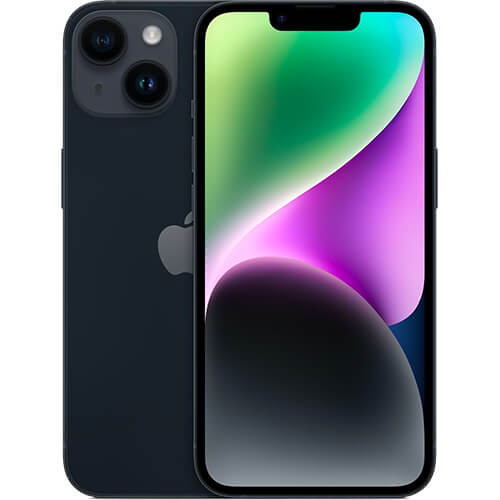
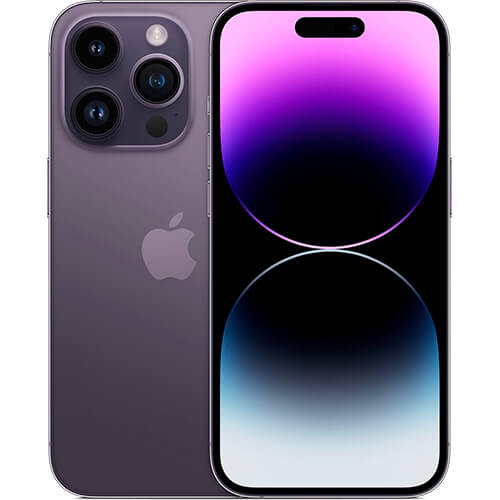
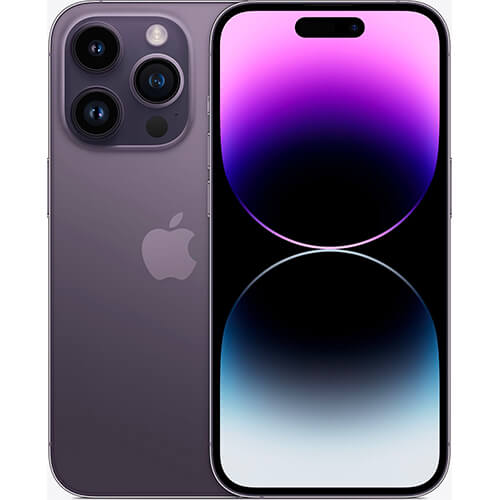
Everyone's heard of Apple. It's one of the largest companies in the world, thanks in most part to the iPhone. All iPhones run on the iOS operating system and all are a good choice, especially if you have other products made by Apple, such as an iMac, Macbook or Apple Watch, as they all integrate seamlessly. Older iPhones going as far back as the iPhone 11 are still very capable devices even now. Current iPhone models include the iPhone 15 and iPhone 15 Pro. Very pricey, but also very good.
Samsung Galaxy
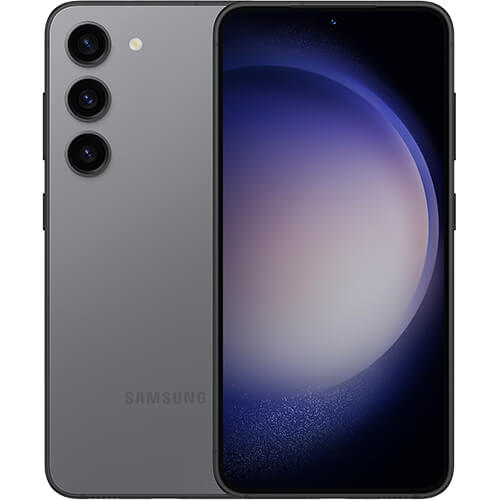
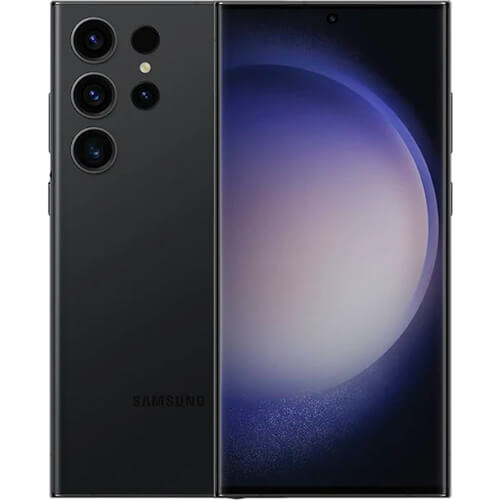
The Korean tech giant's main aim has, for many years, been to outdo Apple. Its handsets are very high quality, but also on the expensive side. A phone as old as a Galaxy S10 is still perfectly usable, while its Galaxy S24 Ultra represents its latest, cutting-edge offering. Samsung also now offers the innovative Z Fold5, a phone that folds out to the size of a tablet, and is no longer priced as insanely as when the technology was first introduced – they're actually quite affordable now.
Google Pixel
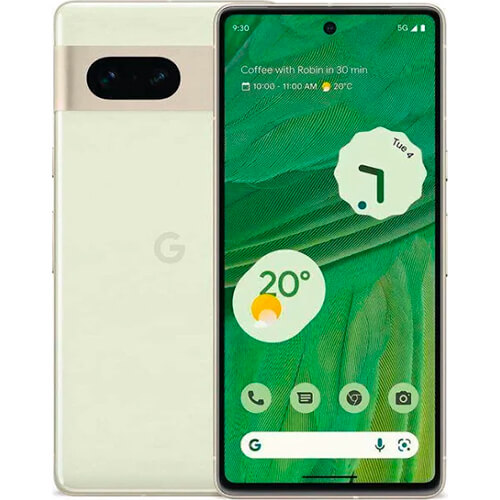
Not quite as pricey as top-end Apple or Samsung phones, nevertheless Google's 'Pixel' handset range should still be considered high-end. Renowned for their excellent cameras and software, Google's current top phones include the Google Pixel 7 and Google Pixel 7 Pro. Perhaps realising that not everyone can afford a £1000 handset, Google prices its Pixel phones somewhat more reasonably, though the top models are still expensive.
Nokia
A company that used to rule the mobile market, Nokia is somewhat less prestigious these days, offering mainly budget phones that are promoted as reliable, sustainable and rugged. The Nokia G 22 is the newest release, priced very modestly around the £400 mark – pretty much the most you’ll pay for any Nokia smartphone. Popular Nokia models Nokia C 12 and G 11
LG
Sony
A real 'brand' this. Sony has always seemed to rely on the faithfulness of its existing 'fans' than it has innovated to draw new ones. If you're a Sony fan, you probably already have your eye on Sony's latest model. In reality, though, Sony exists mostly in the mid-range zone, although the latest premium handset, the Sony Xperia 1 IV, retails for around £1200, putting it on a par with the latest iPhone, in terms of price at least. Popular mid-range models include the Sony Xperia 10 III and Xperia 10 IV.
How to choose the right mobile network for you
Ultimately, it's probably going to come down to the deal (and/or phone) available and whether or not you get a good signal where you live, work or generally spend a lot of time. The main ways the four networks differentiate themselves beyond coverage is in the speed of their 4G or 5G data. Let's take a look at the latest figures from Opensignal:
div class="h-scroll-t">| Network | 4G/5G speeds (Mbps) | Latency (ms) |
|---|---|---|
| EE | 40.0 / 99.5 | 36.0 |
| Three | 34.5 / 205.5 | 48.3 |
| Vodafone | 27.9 / 114.3 | 39.0 |
| O2 | 20.9 / 77.0 | 38.1 |
 Lycamobile unlimited SIM deal: Unlimited everything for £15 per month
 Huge Clubcard savings on Tesco Mobile deals
 Giffgaff drops price on 'Good Contract' Unlimited SIM
 Best family SIM deals 2024: Our top picks and best networks
 Best SIM only deals 2024: Grab the best offers now
 Best Apple iPhone deal July 2023: iPhone 14 Pro Max from iD Mobile
Frequently asked questions
How long is a piece of string? It really depends on what you're looking for. If you know what handset you're after and/or how many minutes, texts and data you need, then finding the right deal is only a few clicks away using the tools on this page. But there is never a 'best' deal – only one that suits you the most at a price you can afford. Unfortunately, to find that you're going to have to do a little of the work yourself.
Interesting question. If you're truly after the cheapest out there irrespective of any other factor, you need only sort the results on this page by price. Of course, cheapest doesn't always mean best value for money, so it's a good idea to know how much you're willing to spend before you start browsing and comparing.
Yes. Most of the time. PAYG handsets are always at the budget end of the scale, so don't expect a great phone, unless you're willing to pay big bucks. However, most PAYG phones are perfectly serviceable so long as you don't absolutely need the shiny, deluxe experience of some of the top-end models.
Both offer only a SIM, which you will need to put into an existing phone you already own. Some PAYG deals will come with a phone, but you will have to pay for it. SIM only is better value generally, but you will need to pass a credit check as it usually involves a 12-month contract. PAYG will get you less minutes, texts and data for your money, but there are no credit checks and you can switch any time you like.
Depends on the specific deal. You will commonly find a portion of the price of the handset earmarked as an upfront cost, especially on deals involving the more expensive handsets. On SIM only deals there is usually no upfront cost – same with PAYG.
This is a hard question to answer. Many of us spend most of our time within range of a wifi router we have the password for, whether at work or at home. This means we only need a data allowance that covers the times when we're not, as your phone will automatically use wifi data where it is available. As a rule, then, most of us need less data than we think. 20GB is a good place to start. If you hit the limit in a month, you can always upgrade.
Yes, they really are. Refurbished handsets are ones that have been sent back to the manufacturer either to repair a fault or simply to be resold. The manufacturer will then refurbish them so they are literally as good as new. Most refurbished handsets will arrive as new, in a new box, even with the protective clear plastic we love peeling off. You will not be able to tell the difference between a refurb and a new phone in most cases, and you will often save a substantial amount of money.